

Latest Version
Shahul Hameed
IT Tools
Windows
Free
9nblggh4s3mf
Report a Problem
More About #Code Online Compiler
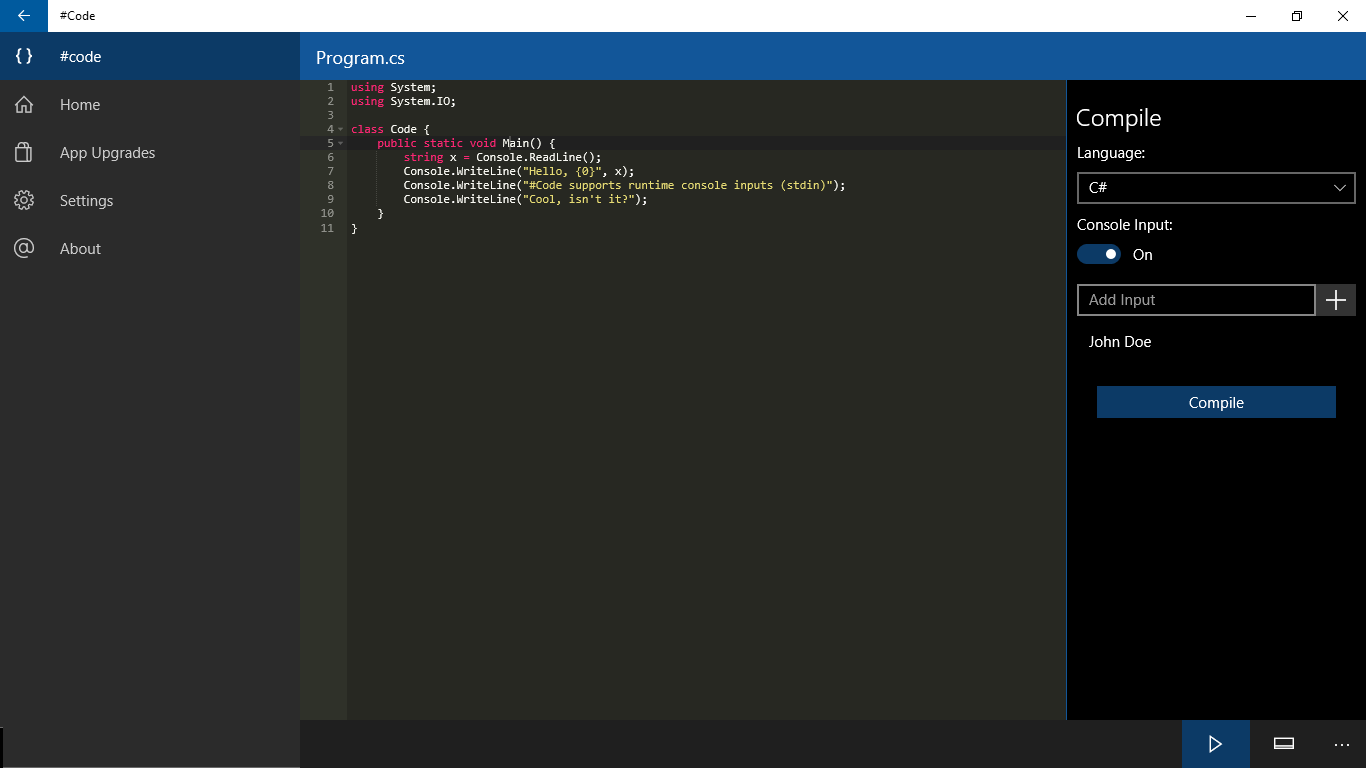
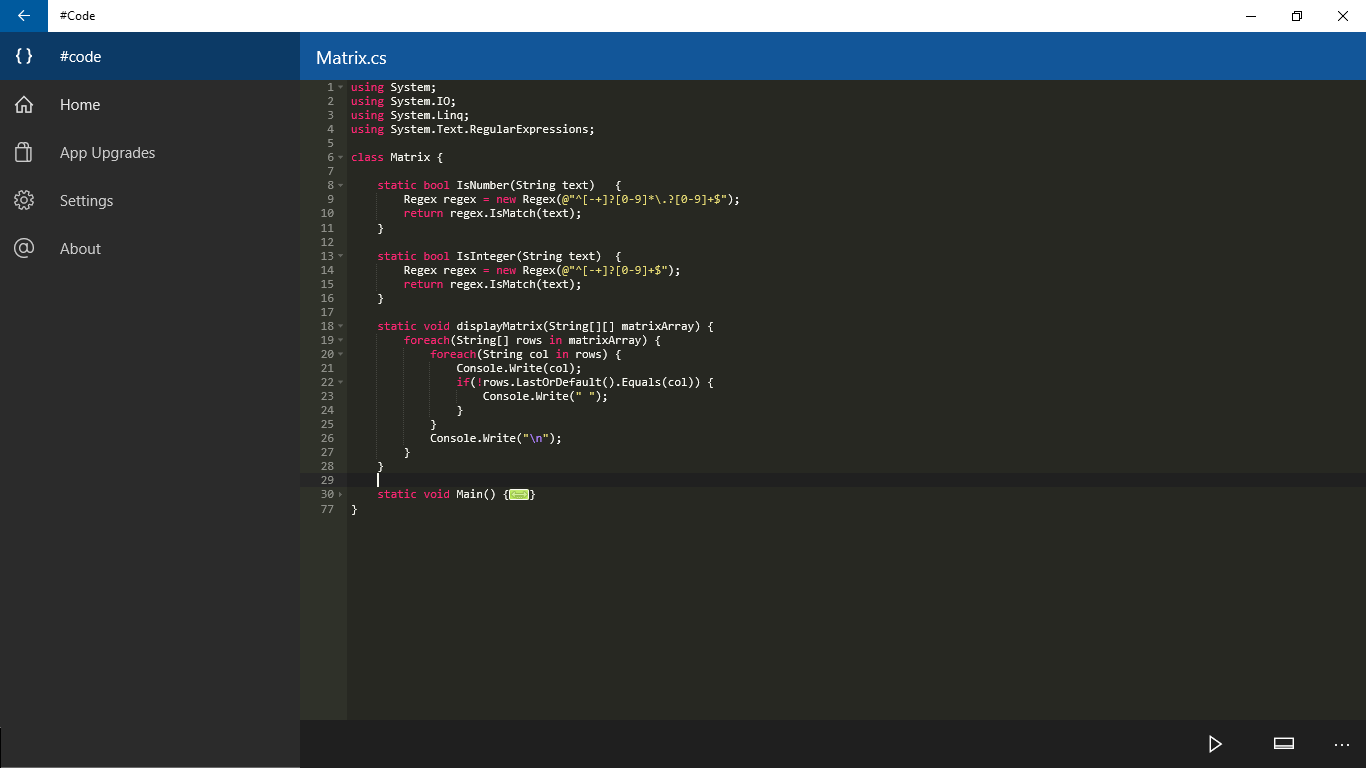
Finding a lightweight, multi-language IDE when you are away from your main workstation can be a challenge. The #Code online compiler addresses this exact problem by providing a streamlined, cloud-based execution environment directly on your Windows 10 device. Developed by Shahul Hameed, this specialized tool allows developers, students, and hobbyists to draft, compile, and run code snippets without the bloat of traditional local development environments.
A Single Interface for Twelve Programming Languages
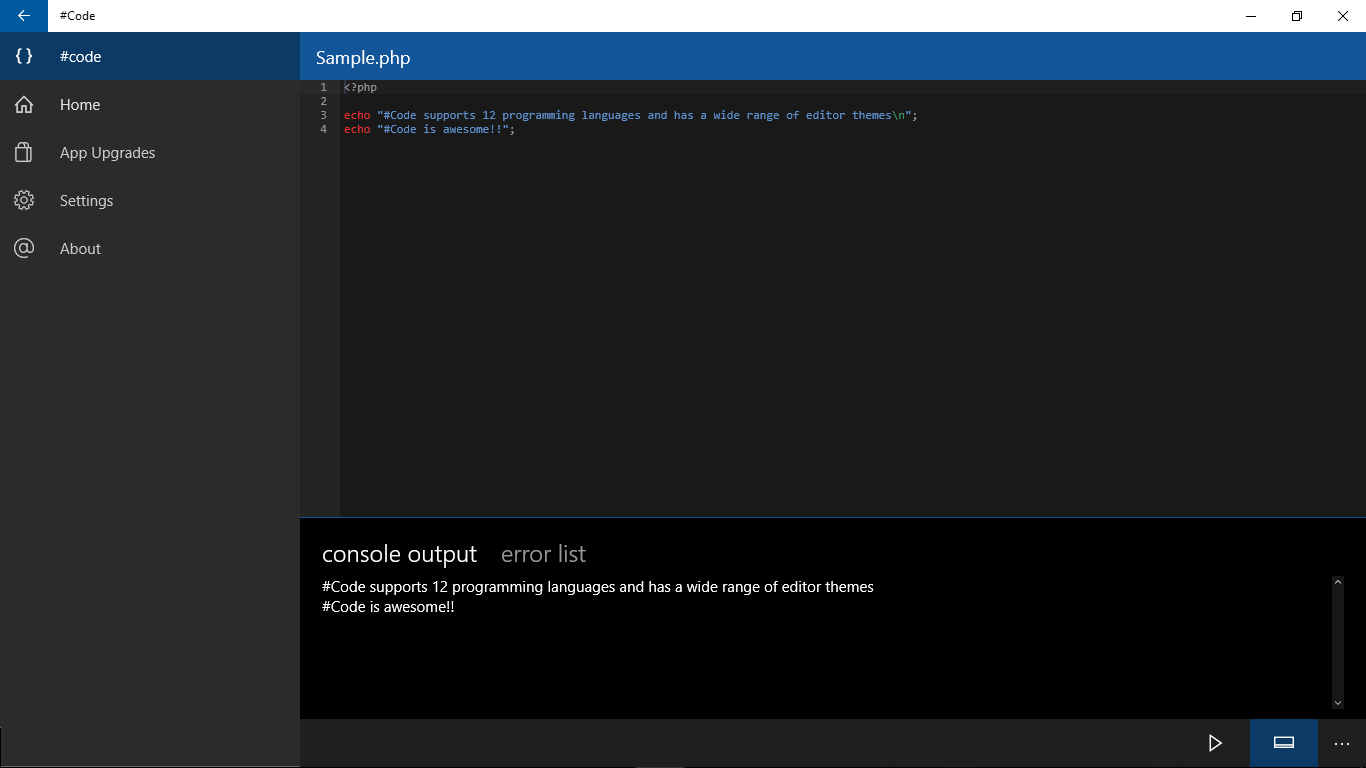
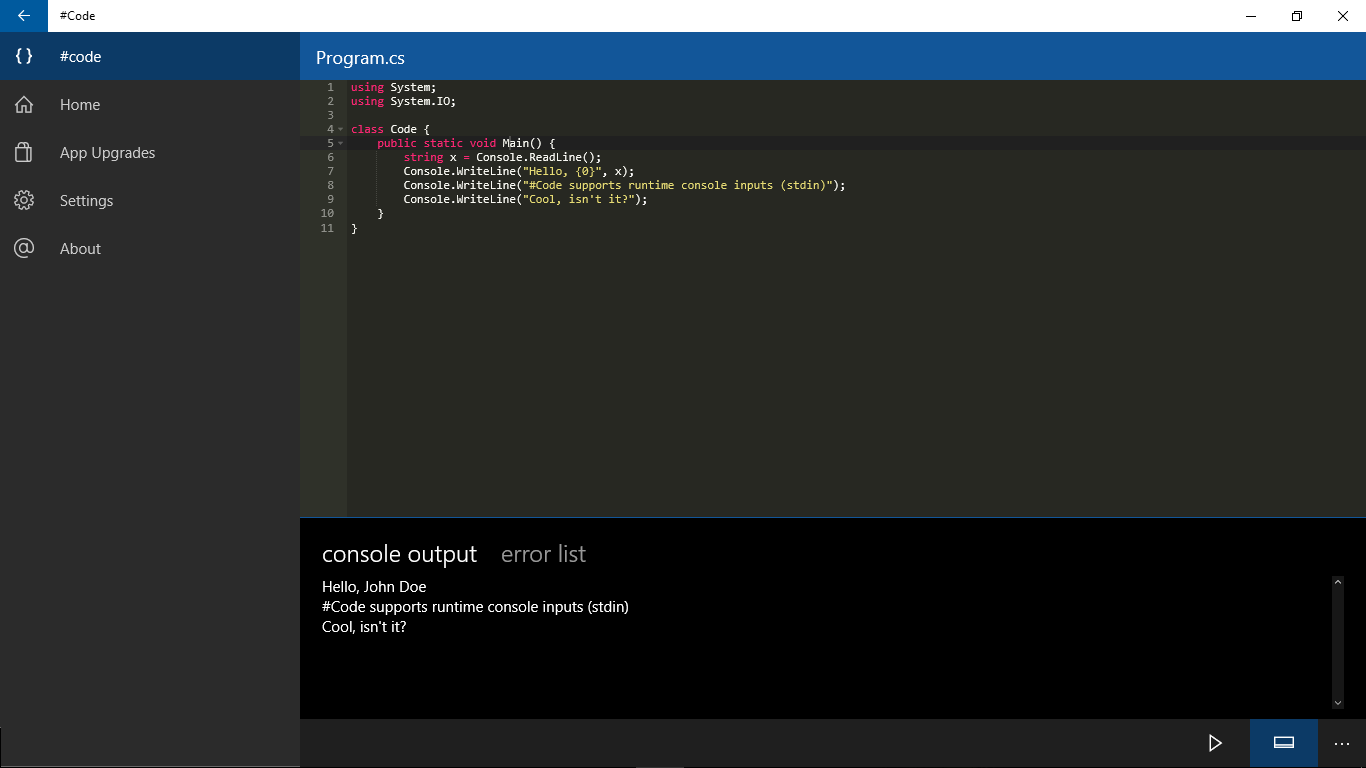
The primary appeal of the #Code online compiler lies in its impressive versatility. Instead of installing separate compilers and runtimes for different projects, you can write and execute code across twelve of the world's most popular programming languages within a single, elegant interface. This makes it an exceptional tool for quick prototyping and educational experimentation.
The application officially supports:
- Systems and Desktop Languages: C, C++, C#, and Java
- Web and Scripting Languages: PHP, JavaScript, Perl, and Ruby
- Modern Development: Python and Swift
- Legacy and Specialized Engines: Visual Basic and Pascal
Seamless Portability Across Windows Devices
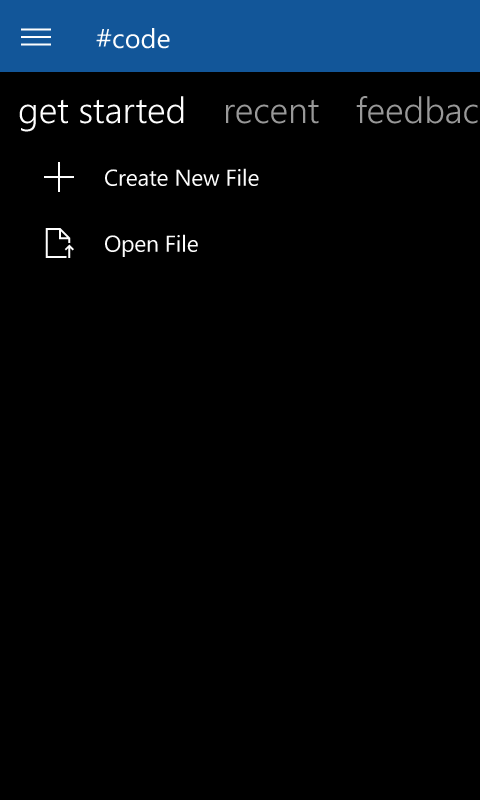
Because it operates as an online compiler, the application offloads the heavy lifting of compilation to the cloud. This design choice ensures that the #Code online compiler runs smoothly across various form factors. Whether you are using a high-powered desktop PC, a portable Windows tablet, or a compatible mobile device, the experience remains consistent and responsive. You can test algorithms, practice syntax, or debug logic on whatever device you have at hand.
Who is #Code For?
- Computer Science Students: Perfect for practicing coursework syntax across different modules (like transitioning from Pascal or C to Java) without setting up complex local paths.
- Polyglot Developers: Ideal for quickly testing a concept or syntax quirk in a language you don't normally use on your primary development machine.
- Tech Enthusiasts: An elegant, low-barrier entry point to explore new programming languages without system-level overhead.
An Elegant Way to Learn
Ultimately, this application shines as an educational sandbox. By removing the initial frustration of setting up local SDKs and compiler paths, it keeps the focus entirely on the logic of the code itself. If you are looking for a straightforward, multi-language environment for your Windows 10 device, we recommend evaluating this tool. You can find more information and view the app on its official Microsoft Store page.
Rate the App
User Reviews
Popular Apps










Editor's Choice